
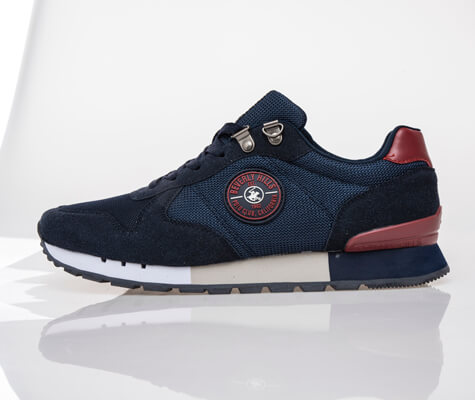
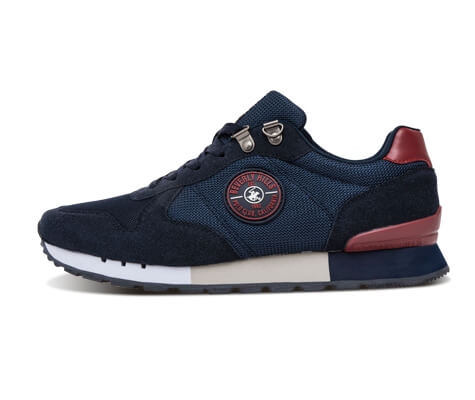
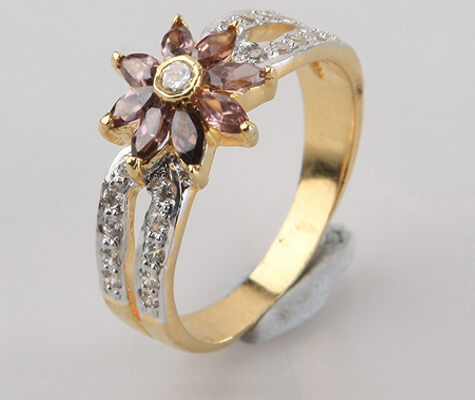
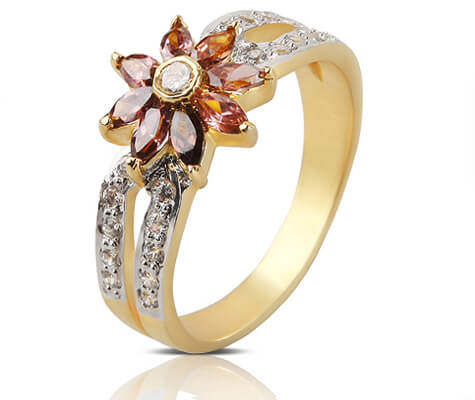
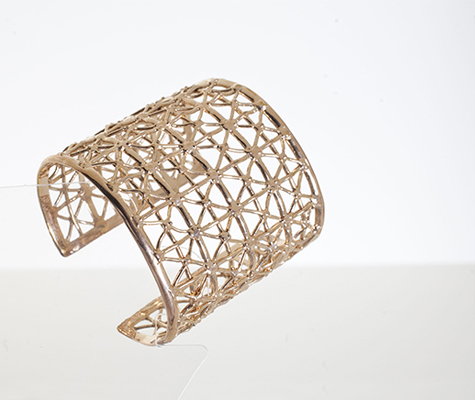
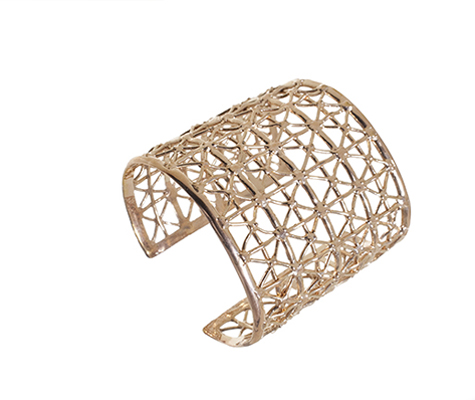
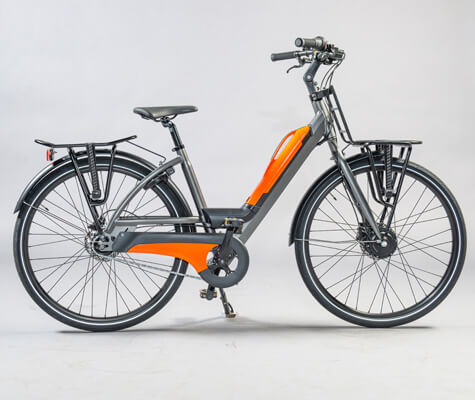
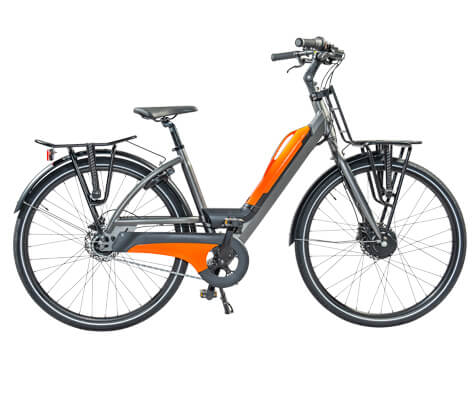
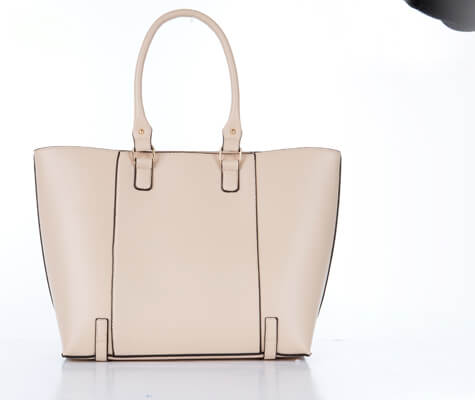
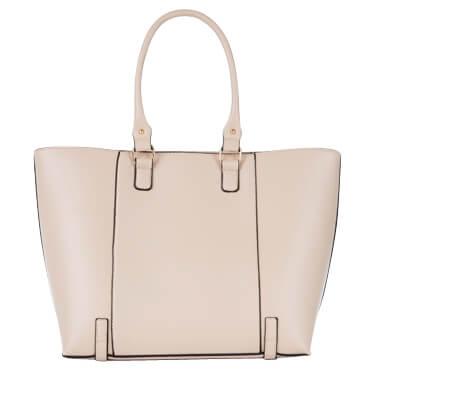
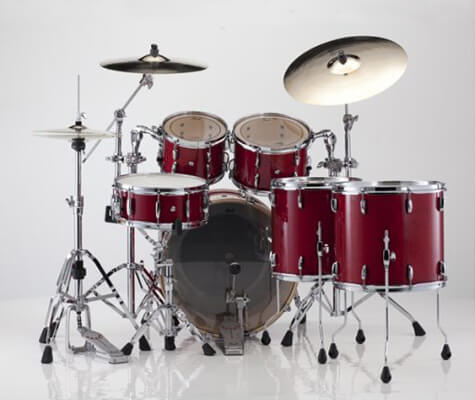
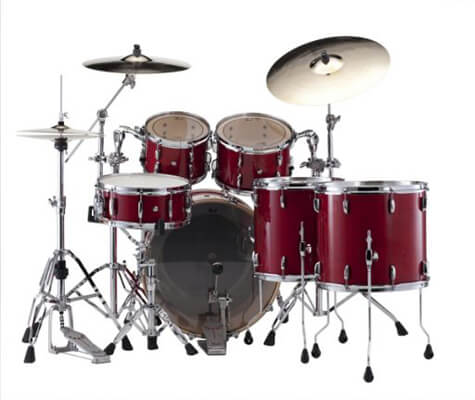
Clipping Path Services implies removing or isolating a product or object from the existing background using Photoshop Pen-tool. This service has been applied to the hard edges of objects or products to ensure proper background isolation and set on another background, if necessary. Otherwise, the background is retained transparent; it all depends on the requirements of the image. In a comprehensive exhibit of industry like brochures, leaflets, catalogs, eCommerce websites, magazines, jewelry designs, and so forth, clipping path service is utilized.
It is broadly used around the world due to the outstanding advantages of the clipping path. Likewise, when you obtain services from GrafixMart, everything is done in the direction of our photo editing experts, so the outcomes are perfect. We have a FREE TRIAL offer for your appraisal, and we are open 24×7.
To provide top-notch service, we have ordered our clipping path service into six categories relying upon the complexity of the product. Once we obtain an order, our experienced clipping path experts can easily comprehend which category the product items have a place with. Then, on a category basis, they apply distinctive clipping path techniques to bring flawless output.
See the Clipping Path Services categories below,
Clipping Paths Basic is the fundamental method for background removal, primarily applied to rectangular, square, straight, round, and oval items. This is a straightforward category that has no holes in the products. Amongst the products in this category are plates, cups, books, mobiles, monitors, balls, storybooks, knives, objects without holes, etc.
Clipping Paths Simple is also used in straight, square, rectangular, round, and oval items. Yet, the main variance between simple and basic clipping paths is the presence of holes. In Clipping Paths Simple, items appear with holes. Examples of Clipping Paths Simple are shirts, pants, watches, glasses, rings, camera, etc.
On Clipping Paths Medium, objects contain numerous holes, in contrast to Clipping Paths Simple. Furthermore, products appear with a higher number of anchor points, which means more curves and twists. Objects like foods, shoes, bracelets, belts, engine parts, watch sets, ring sets and so forth come under Clipping Paths Medium.
Clipping Paths Complex, as the name seems, is utilized for complex shapes and designed products. Typically, many hollow products (more than 15) and many closed paths are included in the Clipping Paths Complex category. Objects included in this service are person, furniture, jewelry (chain, necklace), net, hairy doll, tree, building, single bicycle or motorbike and so on.
Multiple Clipping Paths services are for the photos that require multiple or many paths for changing color level, effects, size, rotation, etc. This service confesses customers to outlines the patterns and edges that allow them to create multiple images of the same brand or product. For example, if a model is wearing a shirt, jeans, cap, and shoes, we will make a separate path for everything. These bits of garments can be mainly laid out, giving the feeling that they are not the same products. Multiple Clipping Paths can also apply to fashion design, books, brochures, posters, and newspapers.
Super complex clipping paths are assigned to the super complex images with tricky holes, horizontal and vertical criss-cross shapes. These images have incalculable anchor points and paths. Bicycles, motorbikes, motor vehicles, groups of people, food collection, jewelry sets, etc., can be treated as a few examples of super-complex clippings.
This strategy is difficult and time-consuming to implement because of the excessive complexities of products.
We have a unit of image editors who have extensive skills in providing image clipping paths regardless of how complex a picture is. Our clipping path experts use the pen tool from Photoshop to draw the path around the edge of an item. Then, contingent upon the shape and design of an item, we recognize the number of anchor points that need to be added to keep the actual shape of the item.
Our Clipping Path Services are hand-drawn, and we do not automate them. Although we always focus on maintaining quality, automation can damages images harshly. In particular, images with complex objects tend to lose the necessary detail due to low-grade output.